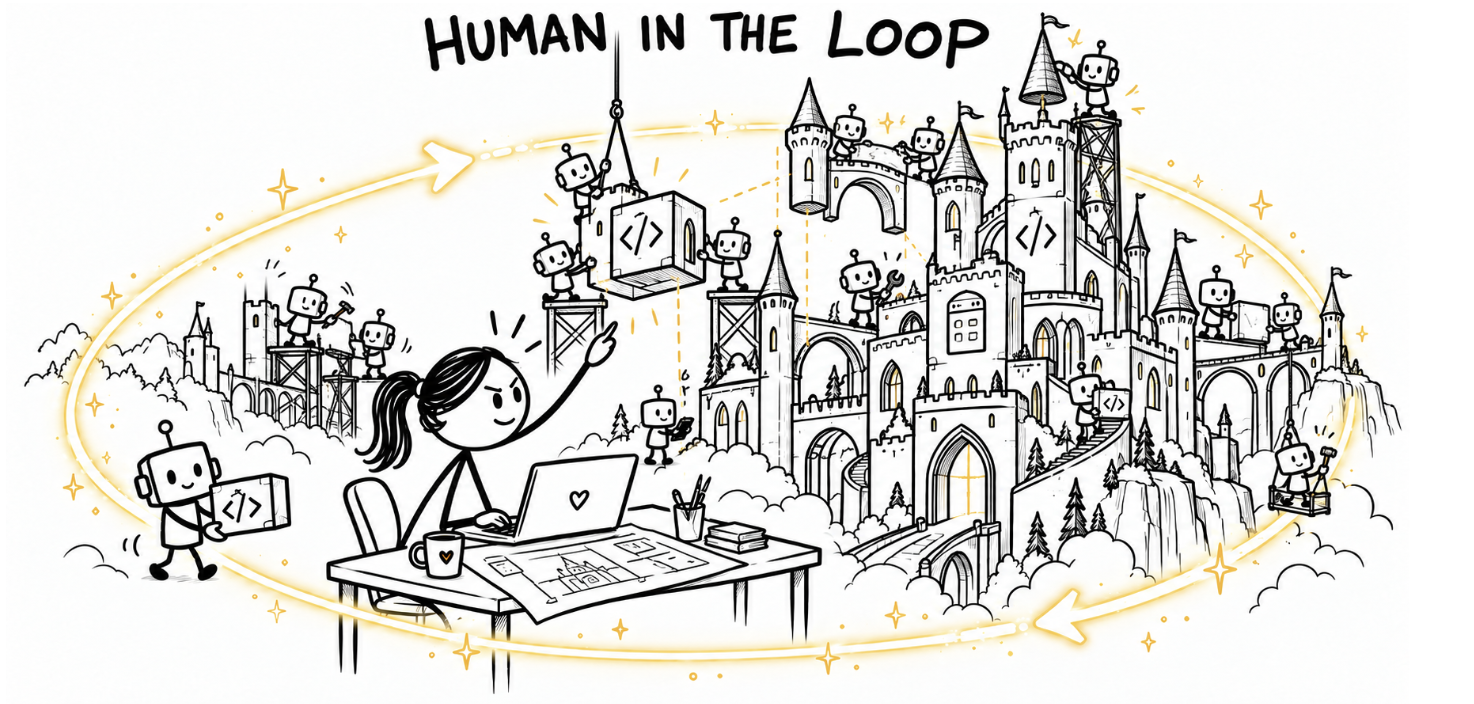
AI coding interfaces make approval easy and understanding hard
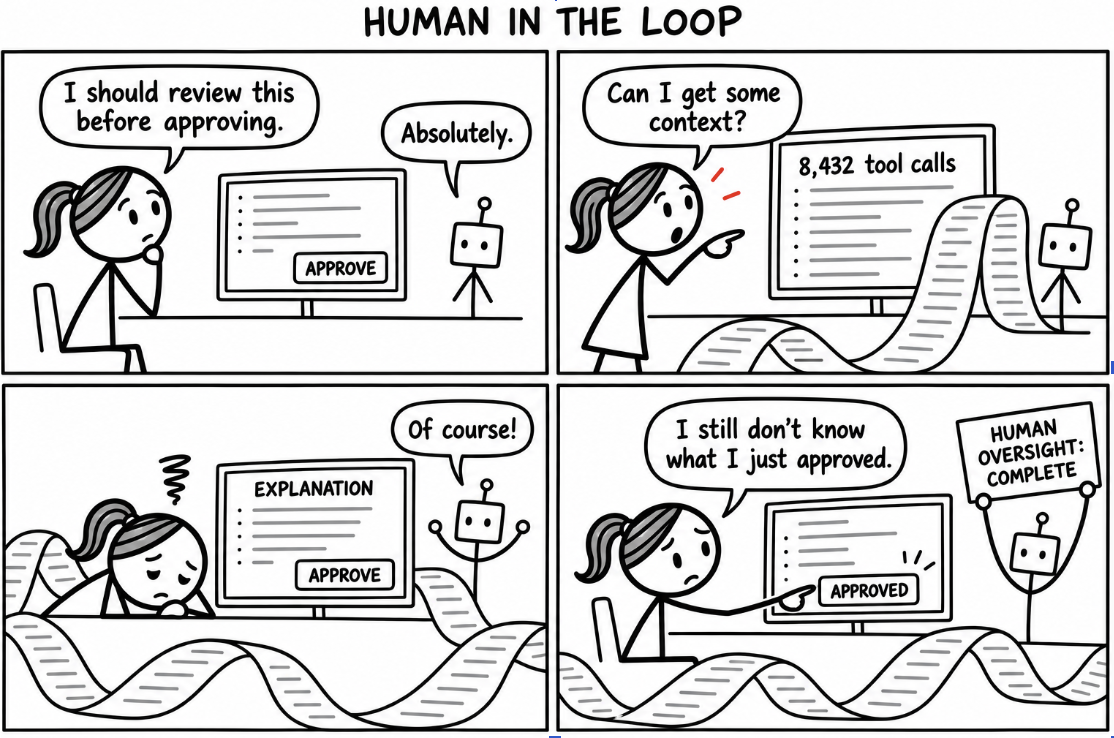
Coding interfaces in 2026 are noisy. I prompt agents and watch a wall of tool calls and AI-generated text pile up until my eyes glaze over. Somewhere in that wall are decisions that need my approval, but the interface does little to help me understand them. It’s easy to slip into hitting “approve” just to keep the work moving.
Making an informed decision takes much more effort. I have to work backward through the conversation and piece together how the proposed action fits into what the agent is doing. The information might all be there, but the interface leaves me with the work of finding what’s important and understanding its consequences.
I need less noise and just enough context to make a decision while I can still change what happens next. Asking for my approval is only valuable if I have a reasonable chance of knowing when to say no. Otherwise, “human oversight” amounts to asking people to approve work they no longer understand.
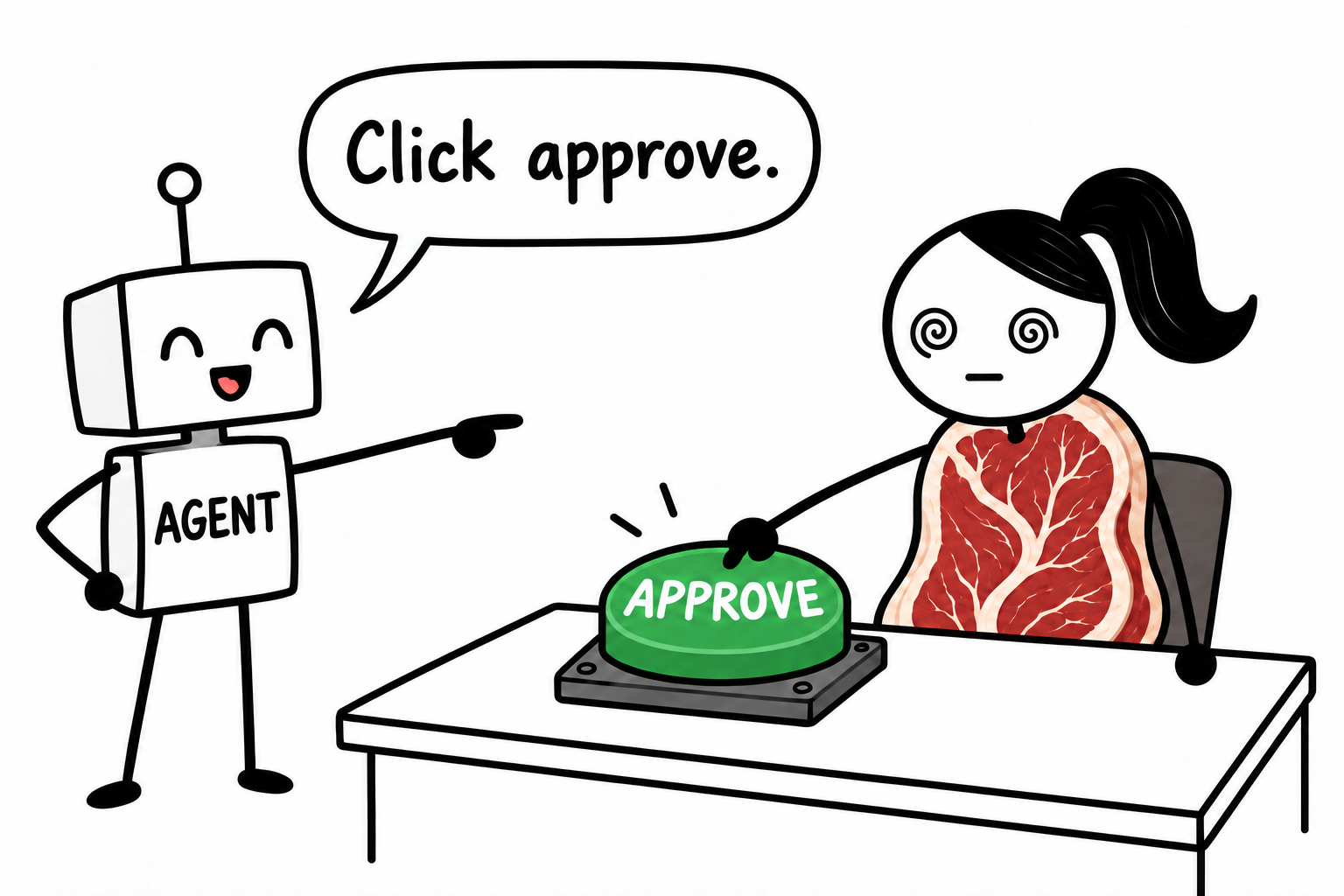
I’ve been building Nuanced, an interface for coding with AI. The question I can’t stop thinking about is: how do humans maintain a coherent mental model of a software system while agents change it faster than people can inspect those changes? I want the speed and automation agents offer without losing my understanding of what I’m building. I want writing software to feel like a creative pursuit where AI takes away the tedium of fitting ideas into the rigid syntax and grammar of a programming language, but I also don’t want to become a meat proxy whose only job is to hit “approve.”
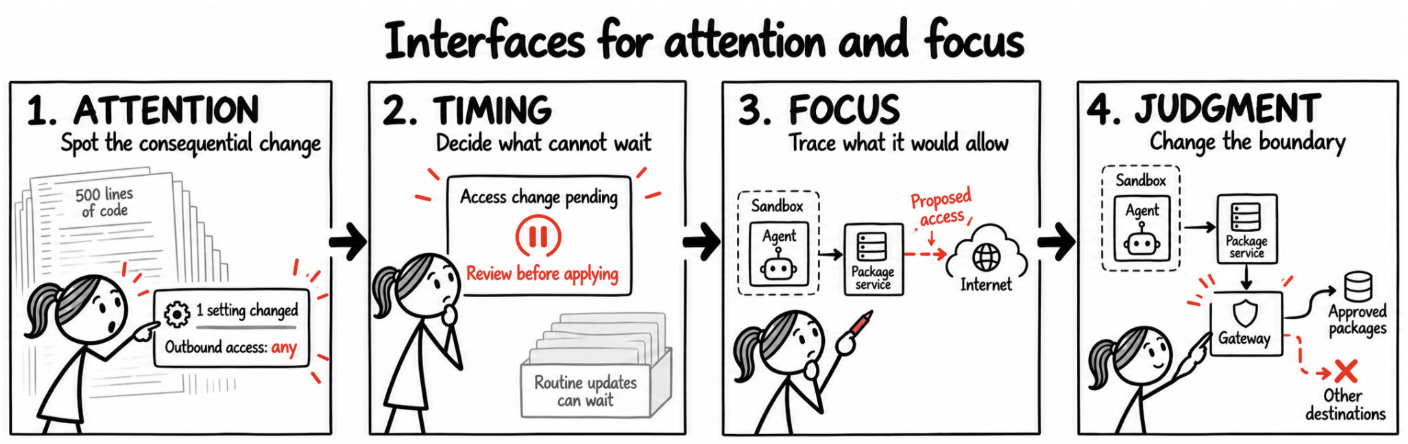
Interfaces for attention and judgement
The difficulty in designing coding interfaces is deciding what deserves attention, an increasingly scarce resource in today’s world.
I don’t want to read every line an agent changes or dig through the minutiae nested under each tool call, but I also don’t want to miss something just because an agent decided to leave it out of a summary. A small configuration change might actually matter more than hundreds of lines introducing new functionality. What deserves attention depends on context that neither the agent nor the interface designer can fully anticipate.
Timing also matters. The interface determines when I have to shift my attention. An approval request technically should improve human oversight, but if it pulls me away from the problem I’m actively working through, flow state is interrupted and I’m left with the work of having to recover my train of thought afterward. An unexpected expansion of an agent’s access may justify that interruption; but something like a routine progress update can probably wait.
A few months ago, I listened to Heidy Khlaaf on Al Jazeera’s The Take discuss AI decision-support systems used in military targeting. These systems recommend actions that a human must approve. She questioned how meaningful that oversight actually is when individuals only have seconds to decide how to act, and automation bias leads them to trust recommendations without checking them. A human may technically retain the decision, while having little opportunity to exercise independent judgement.
The stakes are obviously different, but this made me think about coding interfaces. If a tool makes it easy to accept a recommendation and difficult to investigate it, how much support is it actually giving me to make a decision?
Interfaces for thinking
When I worked at GitHub, we had an internal web app for detecting spam and malicious activity. The interface was the opposite of everything being reduced to an approve button; it was heavy-handed, overloaded, and built around a complicated workflow that everyone had to learn. Much of the work remained frighteningly manual, especially given GitHub’s scale. I hated using it because the burden was on the user to adapt to the tool, rather than the tool itself being intuitive enough to enable good decision-making. I wanted it to automate routine work and help us make better decisions.
That experience still shapes how I think about interfaces, because making information available doesn’t help much if people are left with the work to interpret it and work with it.
Suppose I’ve asked an agent to implement a database migration in stages so the existing application keeps working throughout deployment. We’ve already discussed the approach and my agent has all the right context. When it asks for approval, I want to review the proposed change against that plan I’ve specified and inspect the relevant compatibility tests. I shouldn’t have to dig back through the conversation to recover decisions we’ve already made.
The interface should keep that context attached to the work. If the agent takes a different approach, I want to see what changed and understand why. I can then direct my attention toward evaluating the change instead of reconstructing how we got here.
Beyond passive approve buttons
When agents change software faster than I can inspect their work, I need a different way to understand what’s happening. I don’t expect to keep every detail in my head, but I want to be able to trace a concern far enough through the system to understand its consequences and decide whether something needs to change. That’s the kind of oversight I want surfaced in the tools I use.